
AxelaNote Review 2026: Features, Pricing and Verdict
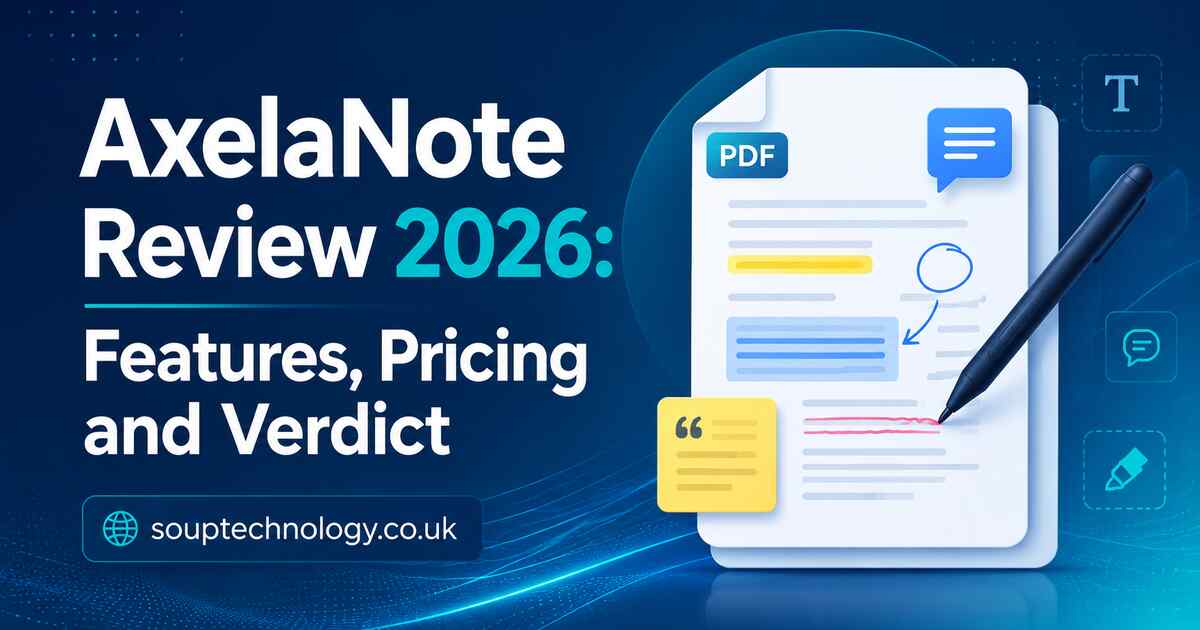
AxelaNote is a Windows PDF annotation tool that lets users add handwriting, text, shapes, stamps, and review notes without changing the original document. Its key feature is a transparent overlay above the PDF. In 2026, it is best suited to people reviewing drawings, forms, reports, training files, and controlled documents.
What Makes It Different?
Most PDF editors save comments inside the document. This software keeps annotations on a separate layer, helping users preserve the source file and distinguish original information from reviewer feedback.
That is useful when a document has editing restrictions or must remain unchanged for record-keeping. It does not remove copyright, confidentiality, or workplace permission requirements.
Main Features
Writing and Markup Tools
Users can add typed comments, freehand notes, arrows, lines, shapes, stamps, and correction marks. The software supports mouse, keyboard, touch, and digital-pen input, with handwriting working best on Windows tablets and touchscreen laptops.
Engineers can mark measurements, teachers can explain course material, and administrators can review forms without printing.
Page Management and Comparison
Users can insert, remove, replace, rotate, or rearrange pages. A comparison feature can reveal differences between two PDF versions, helping with proofreading, design checks, and revision control.
These tools make AxelaNote more capable than a basic drawing overlay, although it is not a complete PDF creation suite.
Export and Sharing
Annotations can remain separate from the source file or be included in a combined PDF for printing and sharing. Teams should use clear file names so originals, overlay files, and exported copies do not become confusing.
Ease of Use, Compatibility, and Pricing
The interface focuses on practical review work. Basic tools are direct, but new users may need time to understand how the overlay relates to the original document.
The developer lists support for 64-bit Windows 10 and Windows 11. Native versions for macOS, Linux, Android, and iPadOS are not listed, making cross-platform use its largest weakness.
A 14-day trial is available. Individual pricing is listed at ¥429 per month or ¥4,290 per year, including tax. Business licensing may use different terms, so organizations should confirm pricing before purchase.
Practical Use Cases
An architect can circle an error on a protected drawing, add a correction, and send a marked copy while keeping the approved source untouched.
A trainer can write over a PDF manual during a session and later share the annotated version. Administrative teams can use the same workflow for applications, budgets, inspections, and approvals.
In April 2026, the product was recognized under a Tokyo Metropolitan Government trial procurement program. The announcement highlighted its ability to preserve original files while recording comments and review history.
Advantages and Limitations
Main Advantages
Its strongest benefits are non-destructive annotation, stylus-friendly handwriting, support for restricted PDFs, page tools, document comparison, and affordable individual pricing.
Main Limitations
The Windows-only setup limits mixed-device teams. It also lacks broad cloud collaboration, native mobile access, electronic signatures, and advanced editing offered by larger PDF platforms.
Who Should Use It?
AxelaNote suits architects, engineers, inspectors, trainers, students, government offices, and document-control teams that mainly use Windows.
It is less suitable for users needing browser collaboration, cloud syncing, mobile apps, advanced PDF authoring, or an all-in-one replacement for a major PDF suite.
Frequently Asked Questions
Does It Modify the Original PDF?
No. Annotations sit on a separate overlay, leaving the original document unchanged.
Can It Annotate Restricted PDFs?
It is designed to place notes over PDFs that may block standard editing. Legal and organizational rules still apply.
Is There a Free Version?
There is a 14-day trial. Continued use requires a paid licence.
Is It Better Than Adobe Acrobat?
Not overall. Acrobat has a wider toolset. This product is stronger for users who specifically need separate, non-destructive markup.
Final Verdict
AxelaNote is not a general note-taking app or complete PDF suite. Its value comes from solving one problem well: adding clear, paper-like annotations while protecting the original file. For Windows professionals handling drawings, forms, approvals, and document reviews, it remains a focused and useful option in 2026.