
Samigo App Guide 2026: Features, Uses and Key Facts
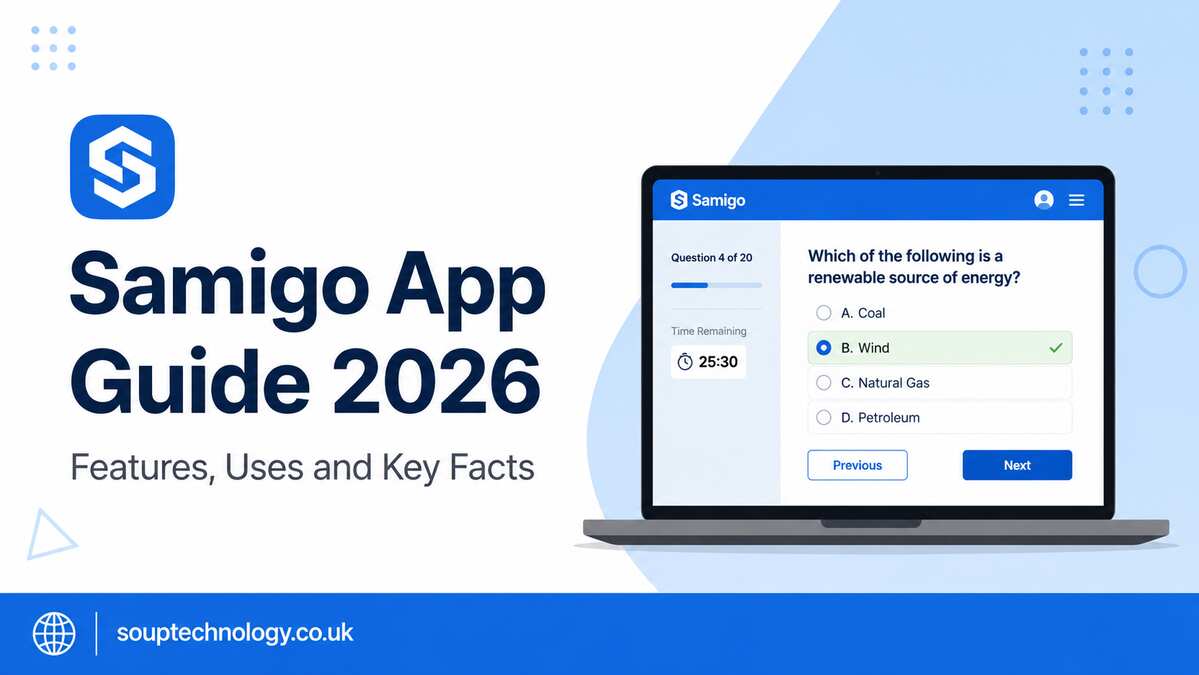
The Samigo app is best understood as the Tests & Quizzes tool used inside Sakai, an open-source learning management system. It is not mainly a general productivity or social networking platform. Educational institutions use it to create, deliver, manage, and grade online assessments.
Official Sakai sources identify Samigo as the system’s assessment tool. This distinction is important because some third-party websites describe it as a general mobile application without providing reliable evidence.
What Is Samigo?
Samigo is an assessment component within the Sakai learning environment. Teachers can use it to prepare quizzes, tests, practice activities, and other online evaluations.
Students usually access the tool through their school or university’s Sakai portal instead of downloading a separate consumer application.
Its main purpose is to keep assessments, submissions, results, and course access within one academic platform.
Main Features
Test and Quiz Creation
Instructors can create assessments using common question formats, including multiple-choice, true-or-false, short-answer, and essay questions.
Depending on the institution’s system setup, teachers may also reuse stored questions, divide tests into sections, and apply different scoring rules.
Scheduling and Attempt Controls
Assessments can be opened and closed on specific dates. Teachers may set time limits, control the number of attempts, and decide when scores or feedback become available.
These controls make the platform useful for formal examinations, weekly quizzes, and self-practice activities.
Automatic and Manual Grading
Objective questions can usually be graded automatically. Written responses, such as essays, still require review by the instructor.
This combination can reduce routine marking work while keeping human judgment for answers that need detailed evaluation.
Feedback and Results
Teachers can provide general comments, correct answers, model responses, or feedback for individual questions.
Students may be allowed to review their scores and mistakes. However, the exact information they can see depends on the settings selected by the instructor.
Practical Uses in Education
A college lecturer could create a short weekly quiz to check whether students understood recent lessons. Automatic grading would provide quick results, while the lecturer could identify questions that many students answered incorrectly.
A school could also use the system for a timed midterm examination. Opening dates, closing dates, attempt limits, and submission records help keep the process organised.
Another practical example is a practice test that displays feedback after each attempt. This gives students an opportunity to understand their mistakes before taking a final examination.
Benefits and Limitations
The biggest benefit of the Samigo app is its integration with Sakai. Students do not need to create another account when their institution already uses the learning platform.
Teachers can manage assessments alongside course pages, learning resources, assignments, announcements, and grades.
However, the user experience depends on the institution’s Sakai version, configuration, and technical support. Available features may differ between universities, and the interface may feel less familiar than standalone quiz applications.
Internet interruptions, browser problems, or incorrectly configured deadlines can also affect an online assessment.
Some websites describe Samigo as a productivity, messaging, or lifestyle platform. These descriptions are not consistently supported by an official application listing. The clearly documented product is Sakai’s Tests & Quizzes tool.
Is It Safe to Use?
Safety mainly depends on the institution responsible for managing the Sakai system.
Students should access it only through their official school or university portal. They should confirm the website address before entering login details and avoid downloading unofficial APK files from unknown websites.
Passwords and account information should never be shared with classmates or entered on unrelated pages.
Frequently Asked Questions
Is Samigo available on Android or iPhone?
It is normally accessed through an institution’s Sakai website. Mobile browser access may work, depending on the institution’s system.
Can teachers grade quizzes automatically?
Yes. Many objective question types can be scored automatically, while essays and longer written answers normally require manual review.
Can students retake a test?
Students can retake an assessment only when the instructor allows more than one attempt.
Why can’t I find my quiz?
The quiz may not be published, may be scheduled for a later date, or may already be closed. Check the course instructions and contact the instructor when necessary.
Conclusion
Samigo is a practical assessment tool for schools and universities that use Sakai. It supports test creation, controlled delivery, grading, and student feedback within one learning system.
Its usefulness depends on reliable technical setup, clear instructor settings, and students accessing the platform through the correct institutional portal.