YouTube to MP3: What It Means and What to Know
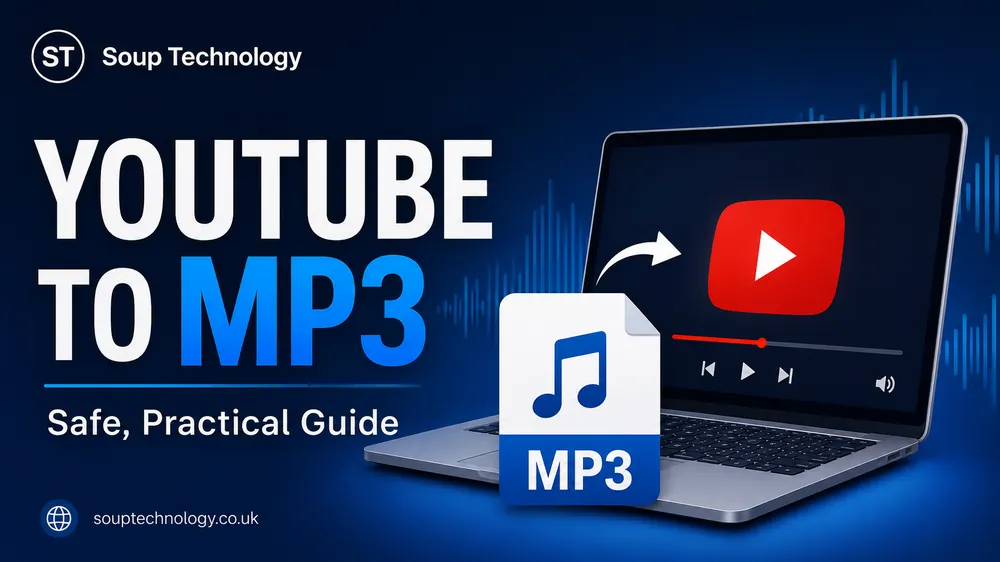
YouTube to MP3 means extracting the audio track from a YouTube video and saving it as an MP3 file. People often use it for offline listening, study material, interviews, lectures, or their own uploaded content.
The process is simple, but the legal and security issues matter. A video being publicly available on YouTube does not automatically mean its audio can be downloaded or reused without permission.
How YouTube to MP3 Conversion Works
A converter processes a video link, separates the audio stream, and encodes it in MP3 format. The file can then be played on phones, computers, car audio systems, and other compatible devices.
Conversion does not improve the source. If the video has weak sound, background noise, or heavy compression, the MP3 will keep those problems.
Choosing Audio Quality
Converters may offer bitrates such as 128 kbps, 192 kbps, or 320 kbps. Lower bitrates create smaller files, while higher bitrates may preserve more detail.
For speech, lectures, and podcasts, a moderate bitrate is usually enough. Music may benefit from a higher setting, but a large file cannot restore detail missing from the original upload.
Is YouTube to MP3 Legal?
It depends on who owns the content, the permission provided, local copyright law, and how the file will be used. Downloading your own video is different from copying a commercial song, film soundtrack, or paid course.
Do not assume that personal use automatically makes every download lawful. Copyright rules vary by country, and online platforms also set conditions for accessing their content.
A responsible approach is to convert only material you created, received permission to use, or can legally download. For copyrighted music and entertainment, licensed stores or official offline features are safer choices.
Main Risks of Online Converters
Free converter sites may contain aggressive advertisements, fake download buttons, browser notification prompts, or unwanted software. Some may also collect device or usage information.
Avoid any service that asks you to install an unknown extension, disable security protection, enter your YouTube password, or download an executable file. A basic MP3 conversion should not require account access.
Downloaded files may also have poor names or missing artist details, so you may need to edit the metadata yourself.
Responsible Use Cases
YouTube to MP3 conversion can be useful for original lectures, personal recordings, royalty-free audio, public-domain material, or videos whose creators clearly allow downloads.
For example, a teacher may turn their own recorded lesson into audio for students with limited internet access. A musician may extract a rehearsal track from a video they uploaded. These cases are different from downloading protected music without approval.
Better Alternatives for Offline Listening
YouTube and other media services may offer official offline playback through supported apps or subscriptions. Podcast platforms, music services, audiobook apps, and creator-provided download links can also provide safer access.
Official options usually include correct titles, artwork, playlists, and consistent quality. They also reduce uncertainty about copyright permissions and harmful downloads.
Conclusion
YouTube to MP3 is a convenient way to save video audio in a widely supported format, but convenience does not remove copyright or security concerns. Use it only for content you own or are allowed to download, select sensible quality, and avoid suspicious websites or software.
FAQs
Can I convert any YouTube video to MP3?
A converter may process many videos, but that does not mean every download is permitted. Check ownership, licence terms, creator permission, and local law.
Does 320 kbps always sound better?
No. A 320 kbps file cannot add detail that was not present in the source. It may only create a larger file.
Are online converters safe?
Safety varies. Avoid fake buttons, forced extensions, account login requests, and executable downloads. Scan files before opening them.
What is the safest alternative?
Use official offline features, licensed streaming services, podcast apps, or direct downloads provided by the creator.